Sitemap
Contact
71 West Burleigh Road,
Burleigh Heads, Gold Coast,
Queensland 4220


Completed projects

Trusted clients

Years experience
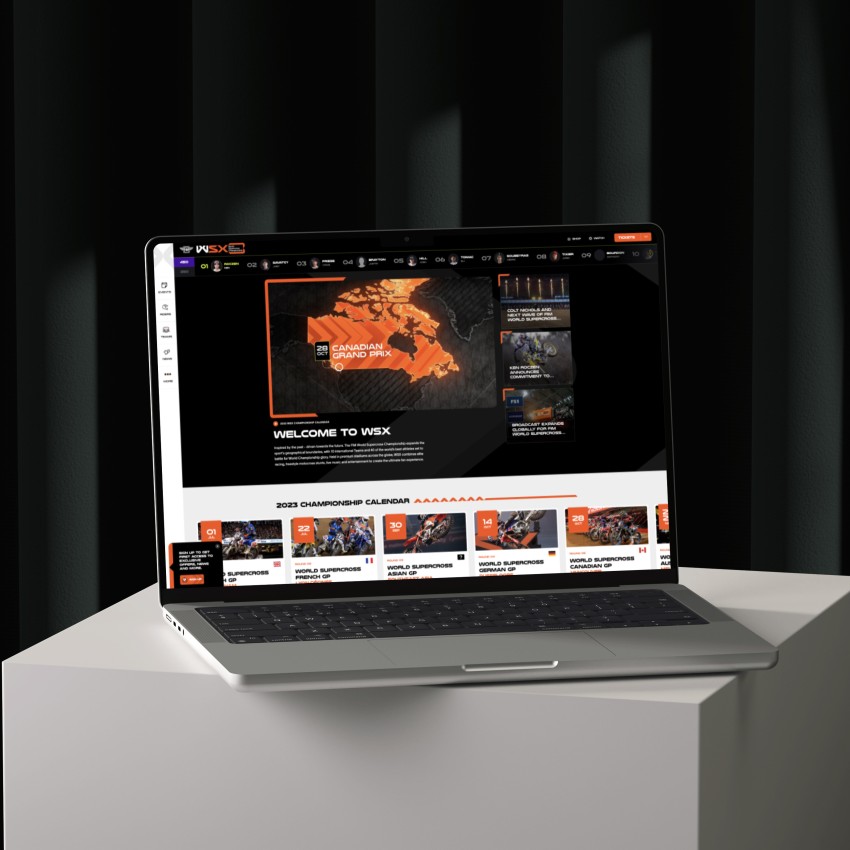
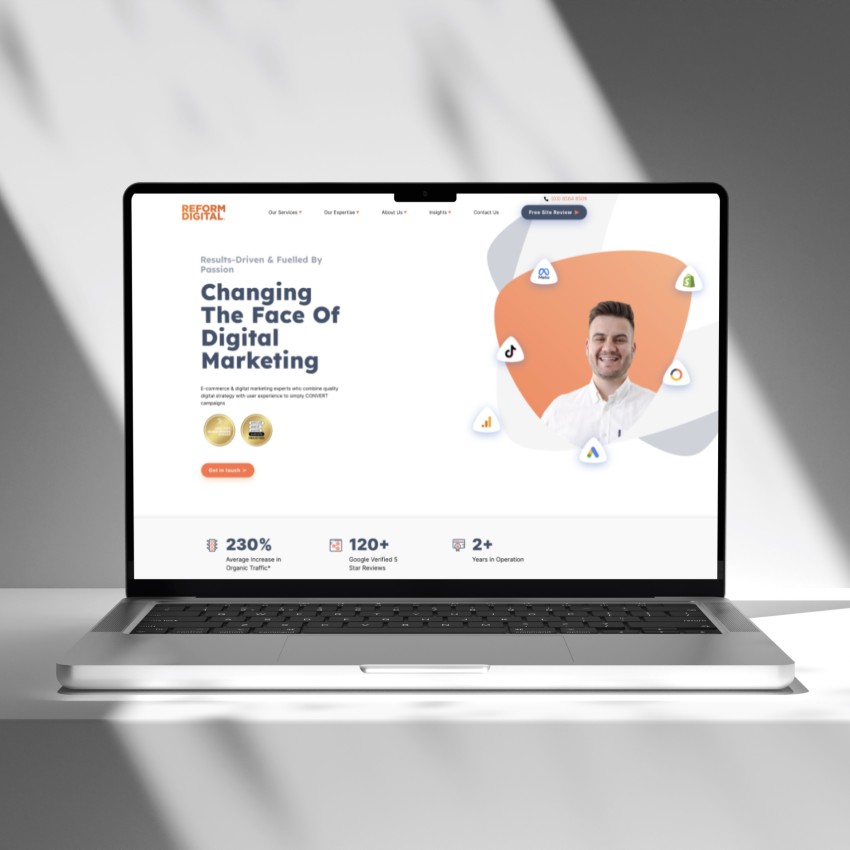
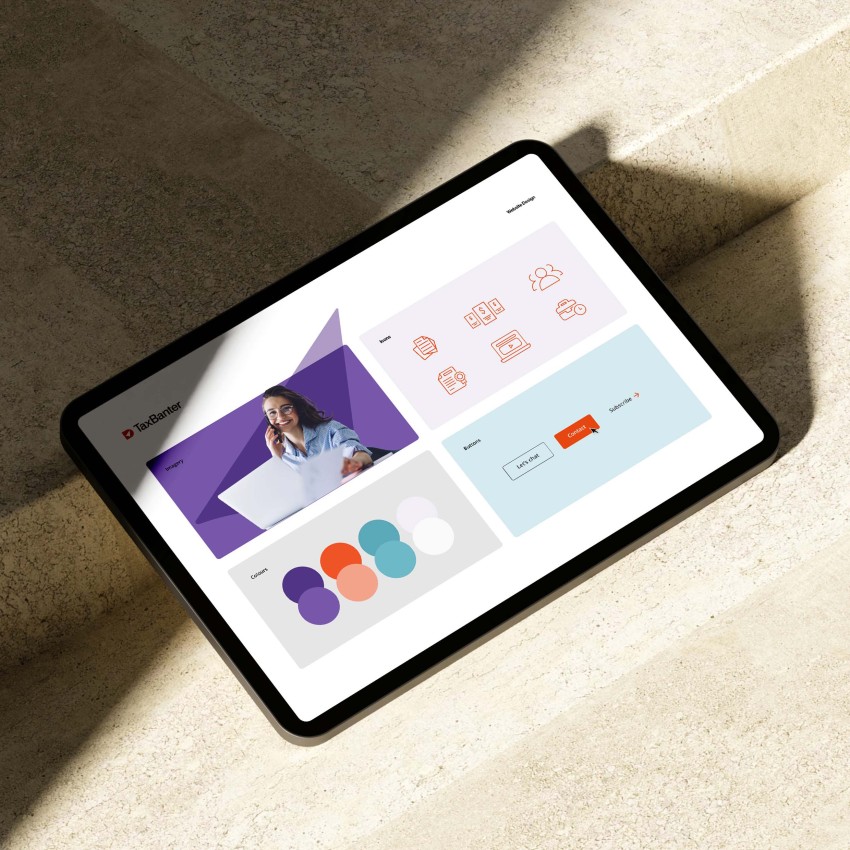
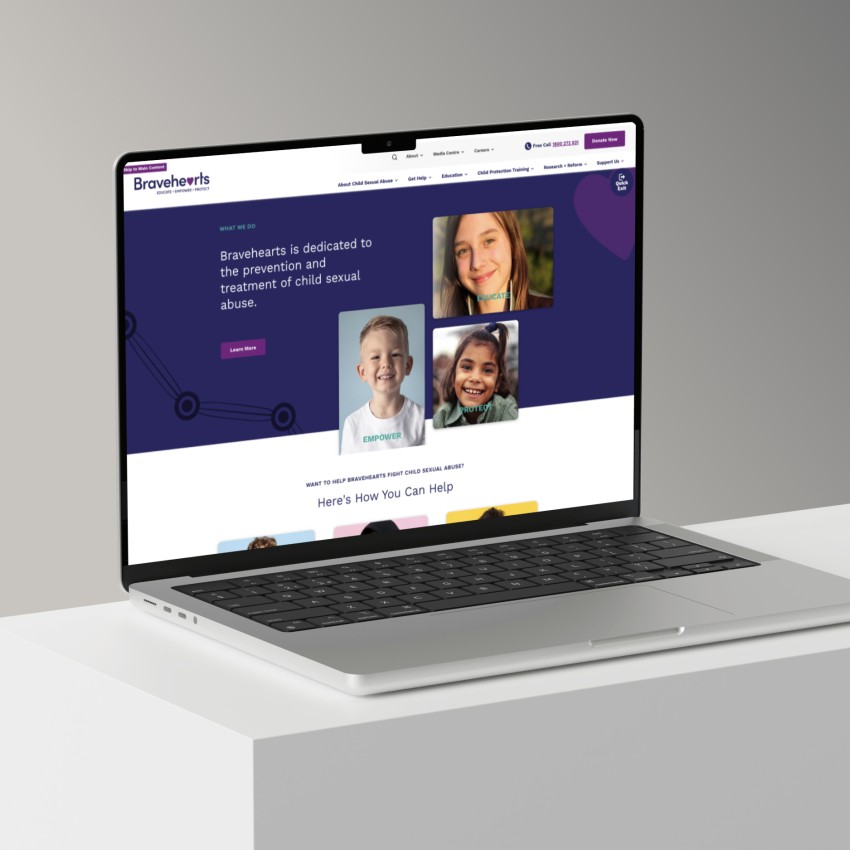
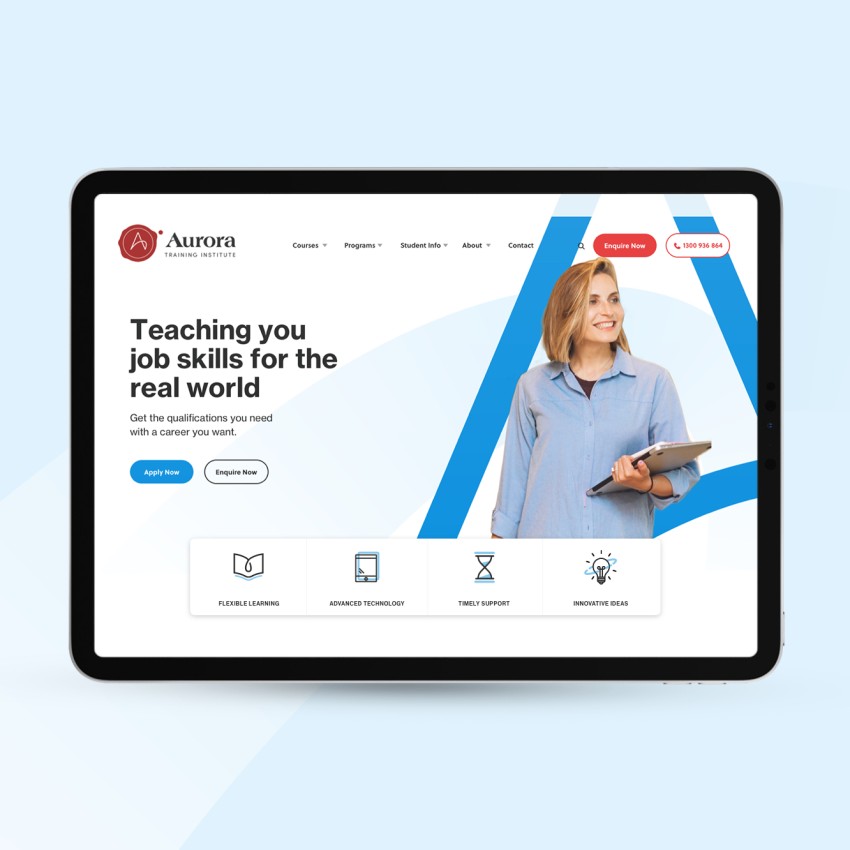
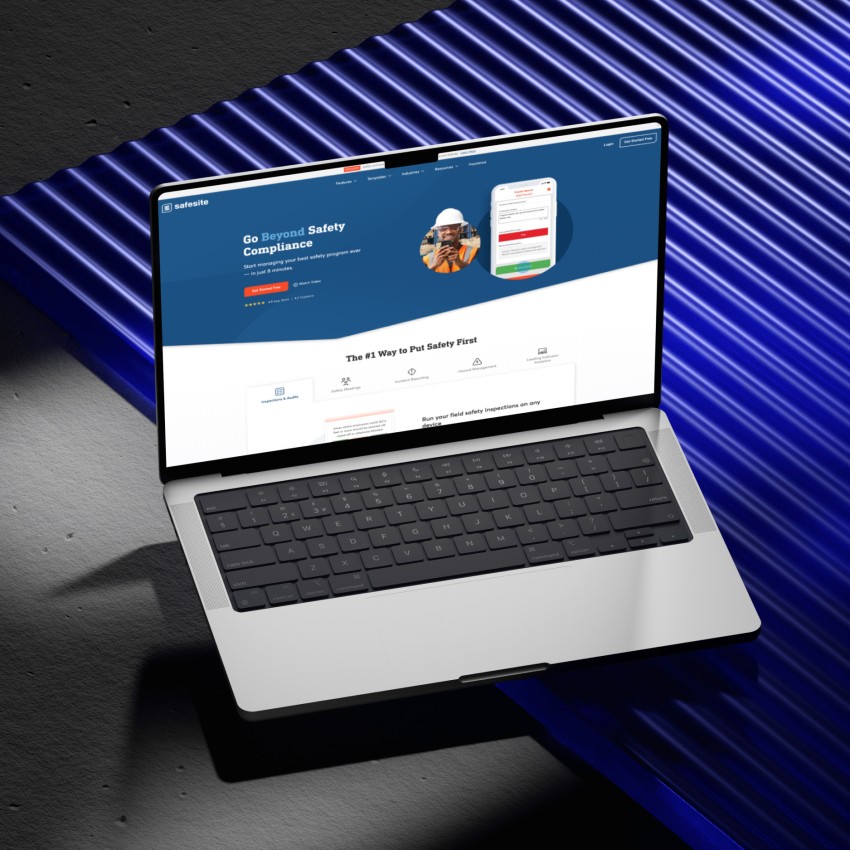
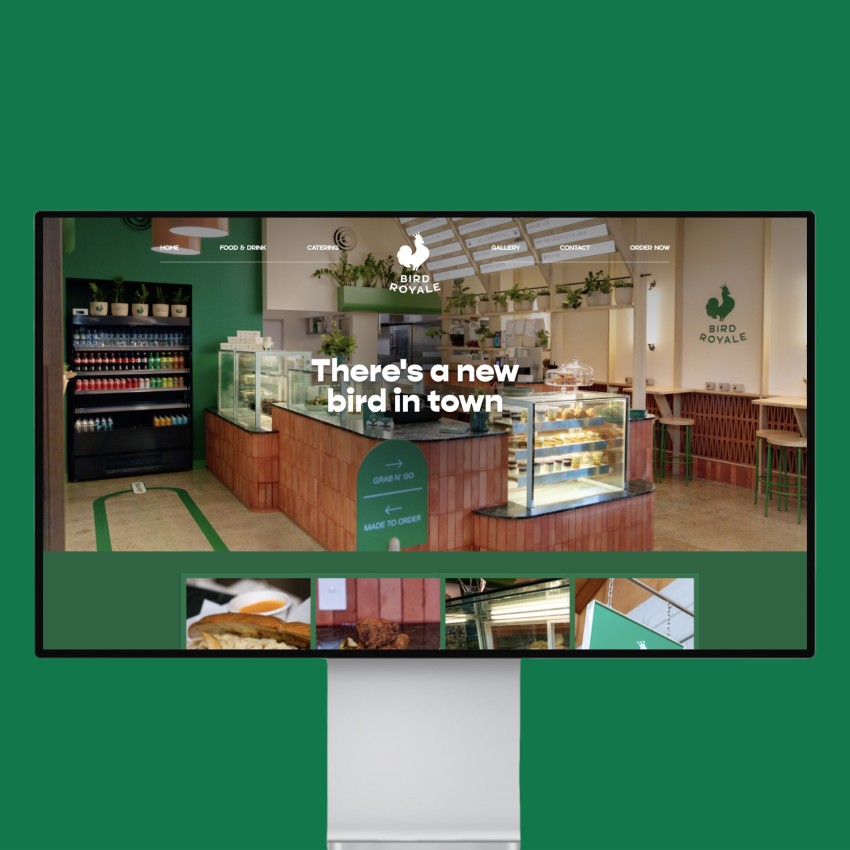

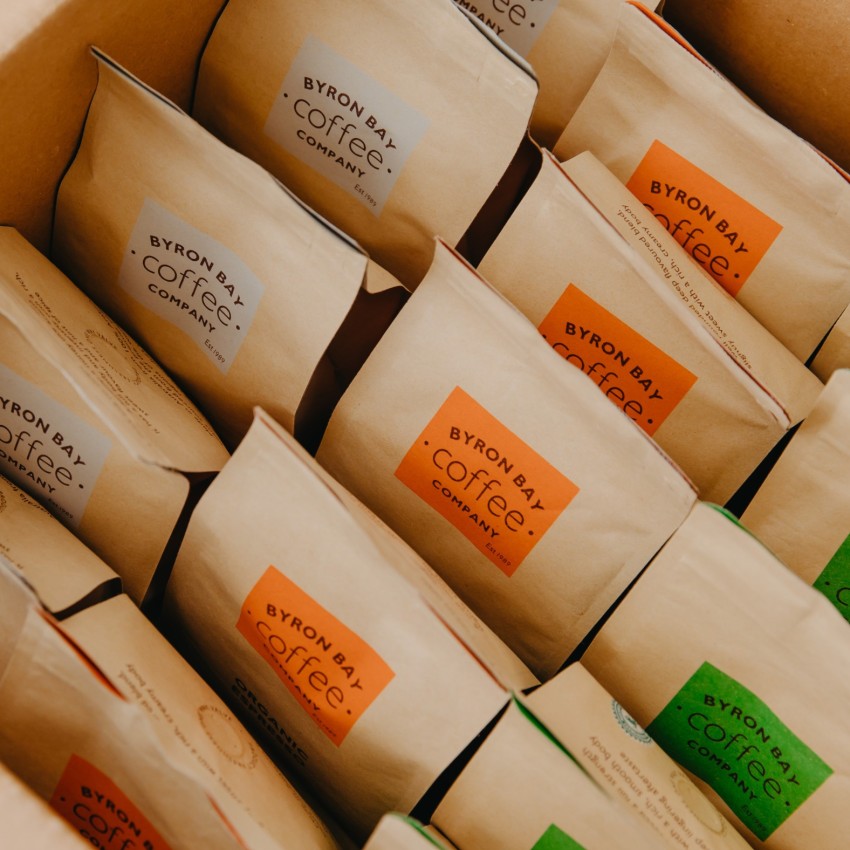

At Thrive Digital we put the funky in functional by creating fresh, striking, custom-designed websites that are fast loading and easy to update. We also provide complete branding solutions, print design packages and digital strategies for your business.

We are web development specialists with over 20 years of experience. Our hand-crafted websites are coded to perfection from scratch in our studio on the Gold Coast, Australia. We create websites that are flexible and easily managed so they are a breeze to update in the future.

We provide fast, fully supported, cloud-based hosting services in Australia. With over 300 busy sites on our servers and 15+ years of experience hosting WordPress sites, we are experts in making busy websites fly!

We won't leave you hanging after your website is complete. We can take an in-depth look at your online marketing opportunities including SEO, Google Ads and inbound marketing techniques.
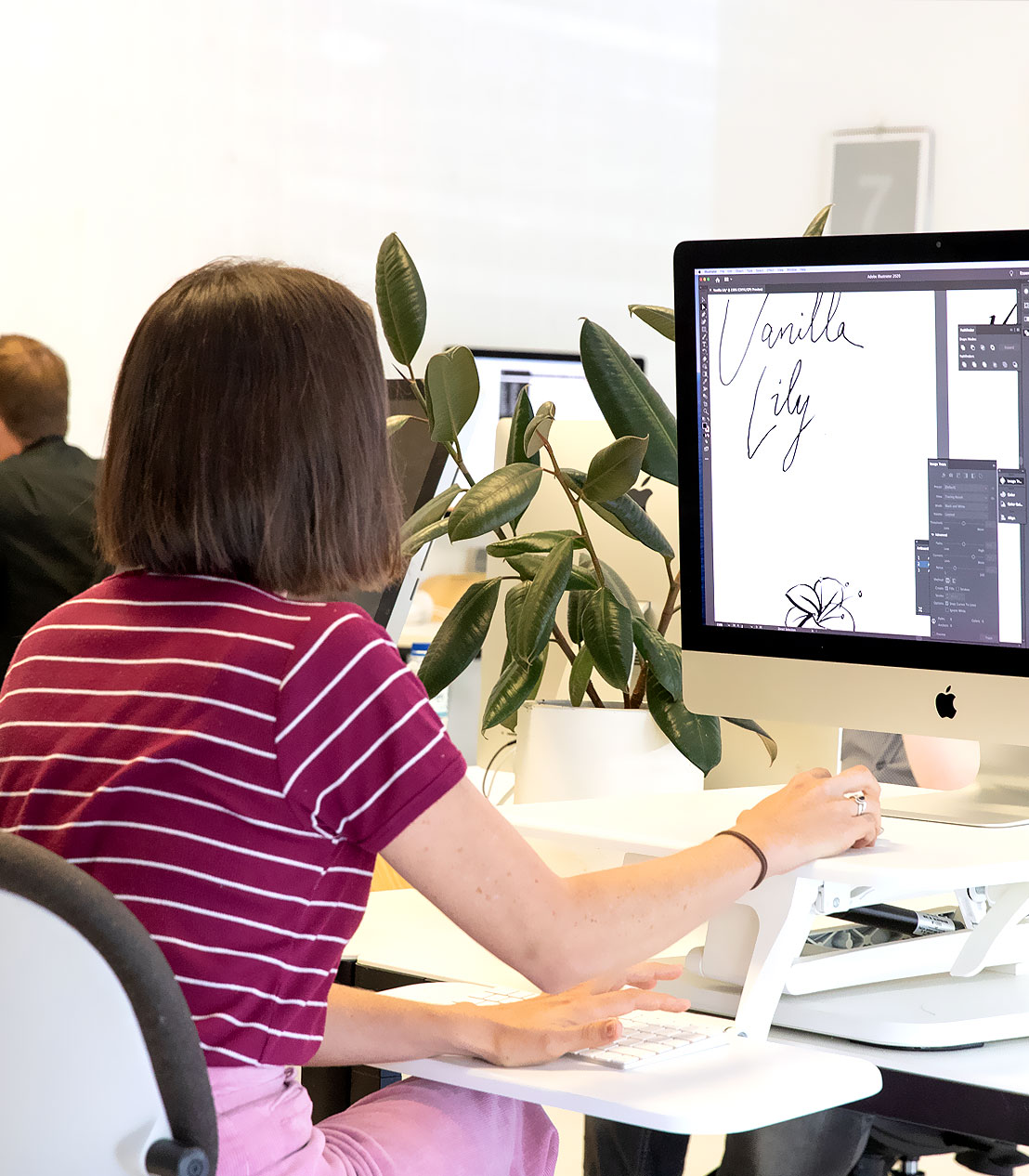
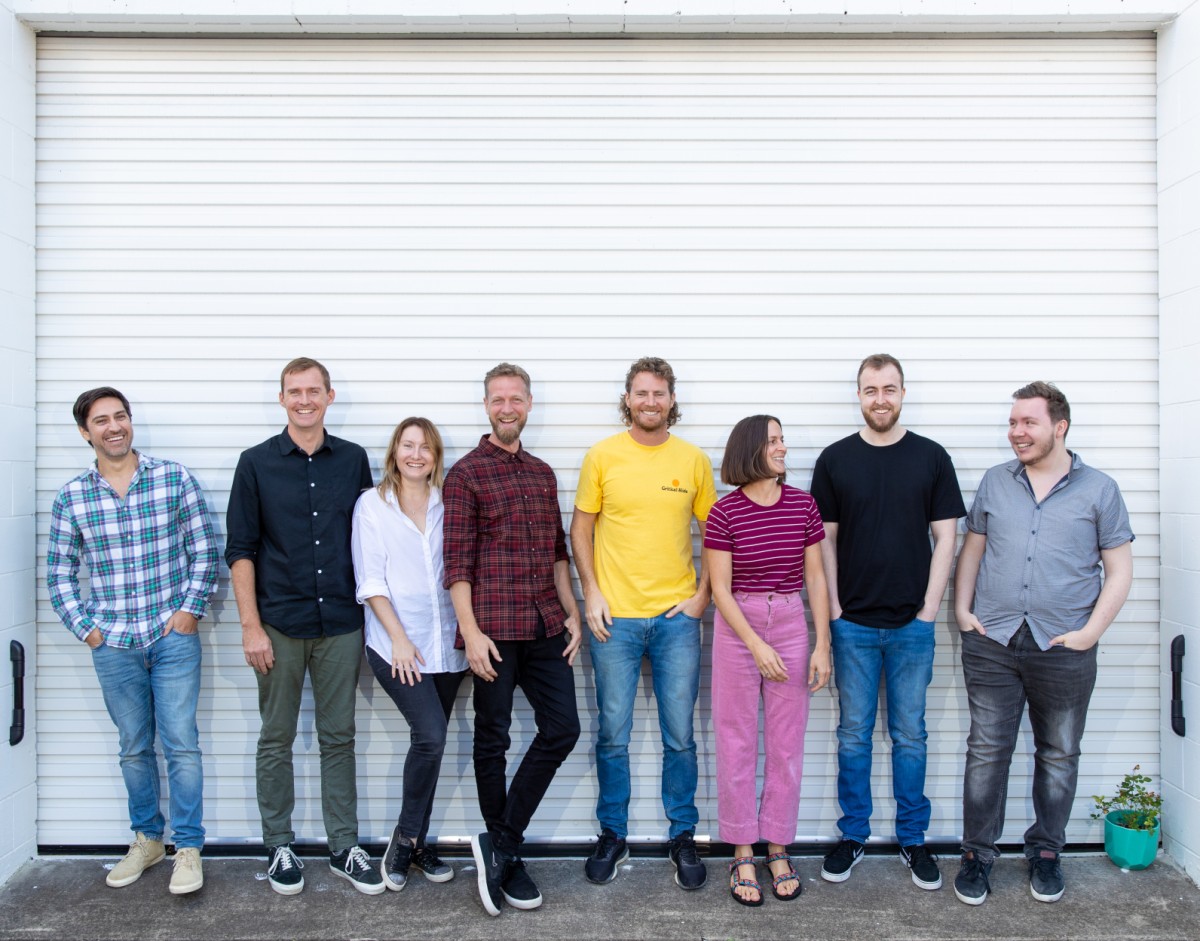
Thrive Digital is a web design studio located in the Gold Coast, Australia. We are a team of highly experienced web designers and developers who live and breathe all things digital. Our carefully selected staff are all experts in their own right, who complement each other, share ideas and, through our close working relationships, create amazing results for our clients.
From our Gold Coast web design studio, we craft unique and effective digital solutions that drive growth, engagement and deliver results. We take a collaborative approach to help your brand stand out from the competition and consider ourselves an extension of your team. We work personally with you to identify your brand’s strengths and uncover exceptional growth opportunities.
















Jarrod Knight

Stacey Touma

Megan Ziems

Meghan Horn
"*" indicates required fields
Making websites accessible can help businesses and organisations reach a wider audience and enhance the user experience for all users, not just those with disabilities. When designing a new website, we prioritise ensuring that the website has a clear and intuitive navigation that is easy to use and consistent page structure. Additionally, we make sure that text is easy to read with sufficient contrast. We offer the option to align with varying levels of Web Content Accessibility Guidelines (WCAG) to ensure that websites are designed with accessibility in mind. View accessible websites in our portfolio.
If you’re looking for a Gold Coast web design company, here’s a few tips to consider. Have they been around for a while? We’re constantly getting calls from people who’s web design closed up shop and they can’t get a hold of them anymore. Nobody wants that. Thrive has been around for over 16 years and have build a solid portfolio of work with businesses just like yours. Make sure the company you work with has a great reputation. We don’t like to brag but let our customers tell you how great we are. With over 100 five star reviews on our google profile you can be confident that you’re in safe hands. Lastly, make sure you call around. We’re not only established and well regarded, we’re also competitive. Contact us today for a detailed website quote tailored to your needs.
At Thrive we stand out from other local Gold Coast web design agencies by prioritising a client-first approach to our work, ensuring that every website is customised to meet your specific needs and goals. We have a team of experienced and skilled designers in house who use the latest tools and technologies to create websites that are not only visually appealing but also built well and last. Because we offer a full range of services beyond web design, such as digital marketing, SEO, and social media management, we are a comprehensive solution for businesses looking to grow their online presence. We are committed to delivering exceptional customer service and building long-term relationships with our clients, so pick up the phone today and give us a call.
Each project we take on is unique so we ensure we provide accurate time estimates before starting the project. Generally, we allow for 2-3 weeks for logo and branding design and 6-10 weeks for the website design and build.
The project is broken up into these major phases:
Phase 1: Brand Design & Strategy
Phase 2: Web Design
Phase 3: Web Development
Phase 4: Content Population
Phase 5: Pre-launch checklist & SEO
This really depends on the site design and structure, so we can’t provide accurate pricing until we learn more about the project. We specialise in high-end, modern, and custom-designed websites. We craft all our designs and code in-house without any pre-made themes or clunky templates. Once we have an idea of the scale and scope of your projects, we can provide a detailed pricing guide. Fill out our quote form and let’s chat!
Thrive Web Design Gold Coast was founded in 2006 after Dean Oakley returned from working abroad in London. After a successful stint as a freelancer, it was time to scale up the operation and create his very own web design and development company and open a studio in Burleigh Heads on the Gold Coast.
Dean made several WordPress themes and plugins to help promote the Thrive website and in about two years, the Thrive Digital site was ranking #1 for “web design” and “web design Gold Coast” locally. We have been extremely busy ever since!
It’s our goal is to help other businesses thrive, as we have, with creative design, quality branding, and high-performance websites with effective digital marketing strategies.
Yes, our first web design office in Burleigh Heads opened in 2006! A lot has changed around Burleigh and the Gold Coast since then and we have enjoyed seeing the area change for the good and the bad.
Having a blog integrated into your web design is a great strategy for extending your website content without cluttering your site. Ideally, you will post interesting articles or tools that other websites can backlink to as a resource.
This content will have popular keyword phrases and be found in search engines, improving your site’s traffic and general rankings. For example, you can post a regular newsfeed, give away useful resources and articles related to your field, show off media publicity or give away industry tips and tricks.
Blogs bring an added dimension to your website by allowing your customers to interact and engage with dynamic content on your website. We can also make it so you can add related blog posts to your existing core pages and content, so it takes the user on a complete journey, ending with a call-to-action.
All our web design projects come with a free SEO guide where we equip you with all the necessary tools to monitor search engine traffic and get the best possible search results. We also offer comprehensive ongoing SEO plans to help your website reach the top of competitive search terms in record time. To find out more, set up a meeting with our SEO manager today!
We build our sites so it’s easy for you to add and edit your own content. This keeps our prices down and gives you more control and freedom over your site. We often copy some content or products from your existing site, but it’s also a great opportunity to spring clean your copy and optimise it for the new site design. If you would like us to add your content or write new content, please request this as part of the quote.
We offer hosting and support packages from $45 a month, including an SSL certificate and our ongoing support service so we can keep your site safeguarded and always be at hand to help you with any technical issues. As part of our website hosting packages, we include premium plugins such as Gravity Forms, iThemes Security Pro, Updraft Backups Pro and of course Advanced Custom Fields. There may also be some commercial plugins needed for your site but these are usually minimal in cost.
Generally, WordPress is our go-to for custom websites and it’s so user-friendly and highly customisable. It also has a large community of developers and users, which means there is ongoing development of the platform and many resources available for support. Additionally, WordPress is extremely SEO-friendly and has a variety of plugins and integrations available to enhance the functionality of a website.
Yes, our custom web designs include the ability to make updates and changes to all the content once the development is completed. We can provide support and help if needed. We do offer ongoing support and maintenance packages to help with major website updates and changes, but minor changes and fixes are included with our web hosting packages. We can also provide estimates if you need new custom sections or pages.